The session planner that connects the whiteboard to the pitch
Plan block by block, attach drills from your library, run it from the pitch, and feed reflections back into next week, all in one place.
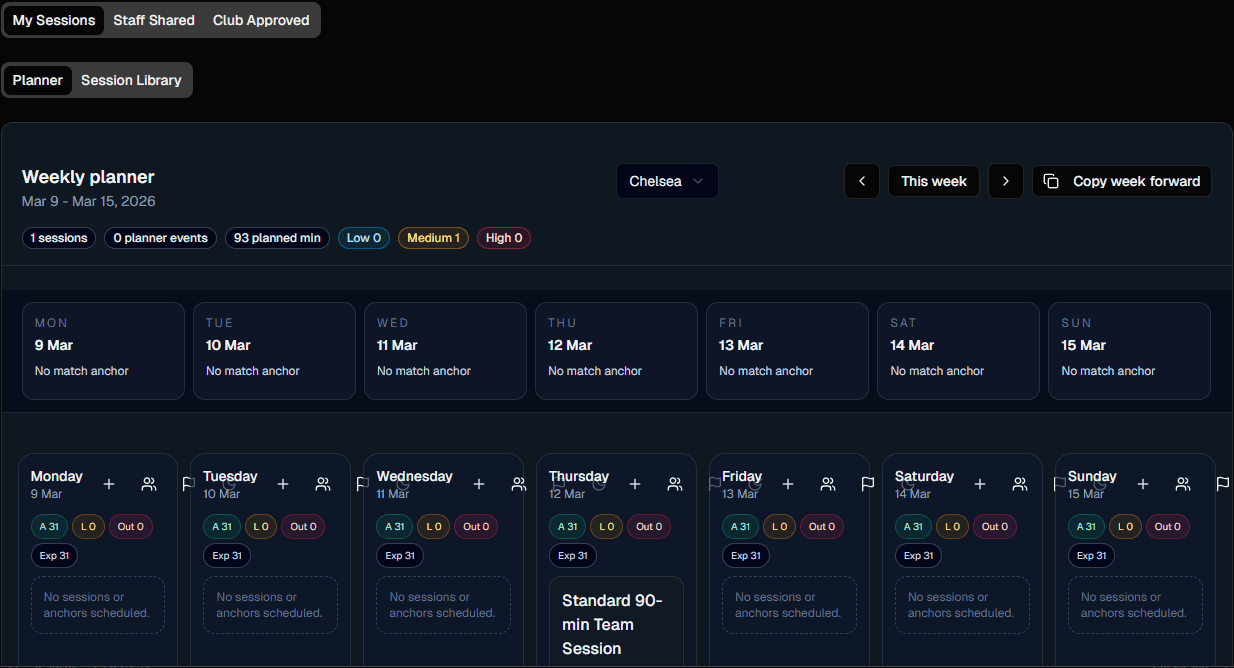
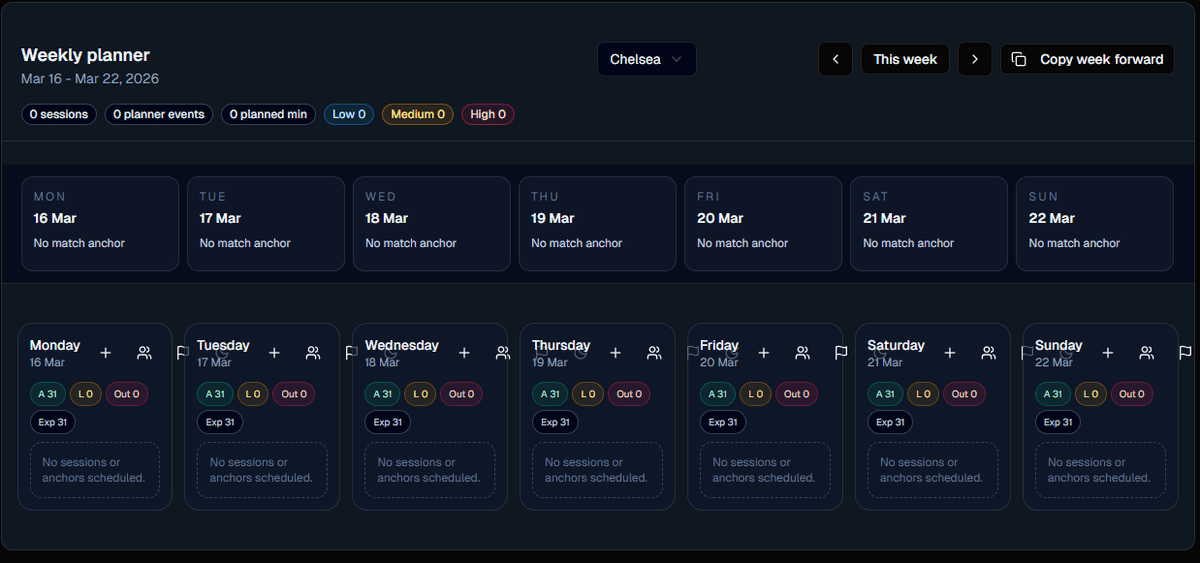
Everything a session plan actually needs, in one block
Not a document. Not a spreadsheet. A structured block that knows its duration, its intensity, its drills, and its coaching cues.
Block-structured sessions
Warm-up, possession, tactical, finishing, match. Each block holds duration, intensity, objective, and coaching cues.
Weekly microcycle view
Lay out MD-4 through MD+1 and see the week's load before you hand it to the staff.
Drill linkage
Drop drills from your library, or the community library, straight into any block. Re-usable, not re-typed.
Live mode delivery
Run the session from phone or tablet. Timer per block, cue prompts, one-tap rotation to the next exercise.
Post-session reflection
Capture what worked, what didn't, and which players stood out. Notes flow into next session's plan.
Duplicate and adapt
Clone last week's session, swap two drills, adjust intensity. No rebuilding sessions from scratch.
From weekly theme to the whistle
Five moves from Monday's plan to Saturday's reflection, every one of them connected.
Set the weekly theme
Pick the tactical focus, transition, build-up, defensive shape, and the week's load curve.
Build blocks
Stack warm-up through match play with duration, intensity, and objective on each block.
Attach drills and boards
Link drills from your library and tactics boards showing the exact shape you want.
Deliver live
Coach from the phone. Block timer runs, cues surface, rotations are one tap away.
Reflect and adapt
Rate the session, tag what worked, feed observations into next week's plan.
The two views coaches live in
The weekly planner on Monday. The live session board on the pitch. Both reading from the same plan.
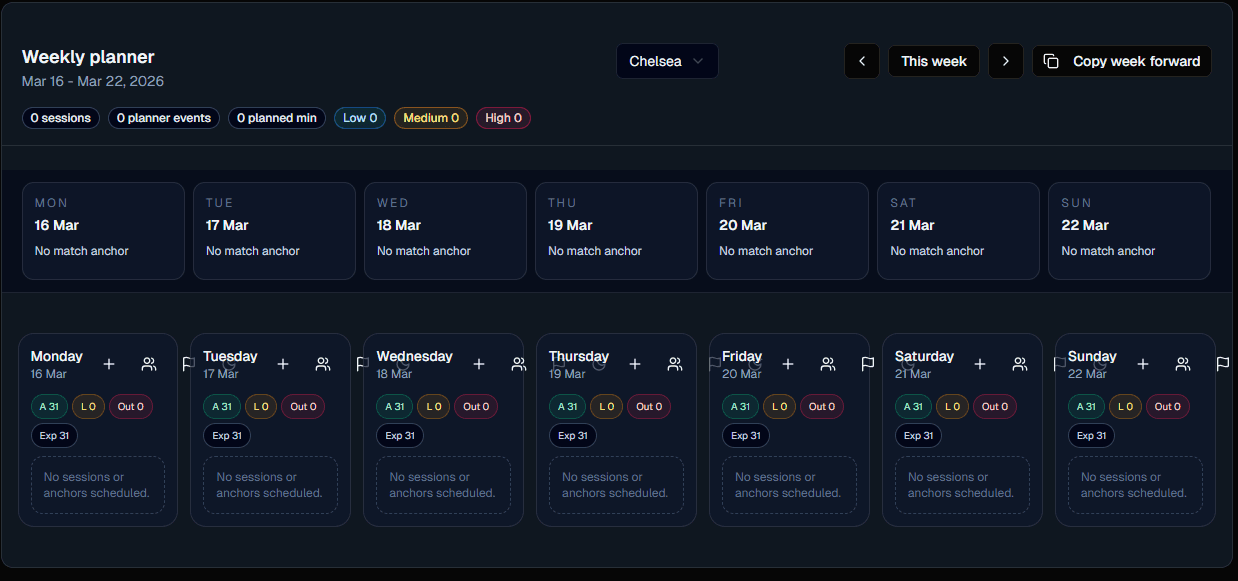
Weekly microcycle
Drag sessions across days, rebalance load, duplicate last week.
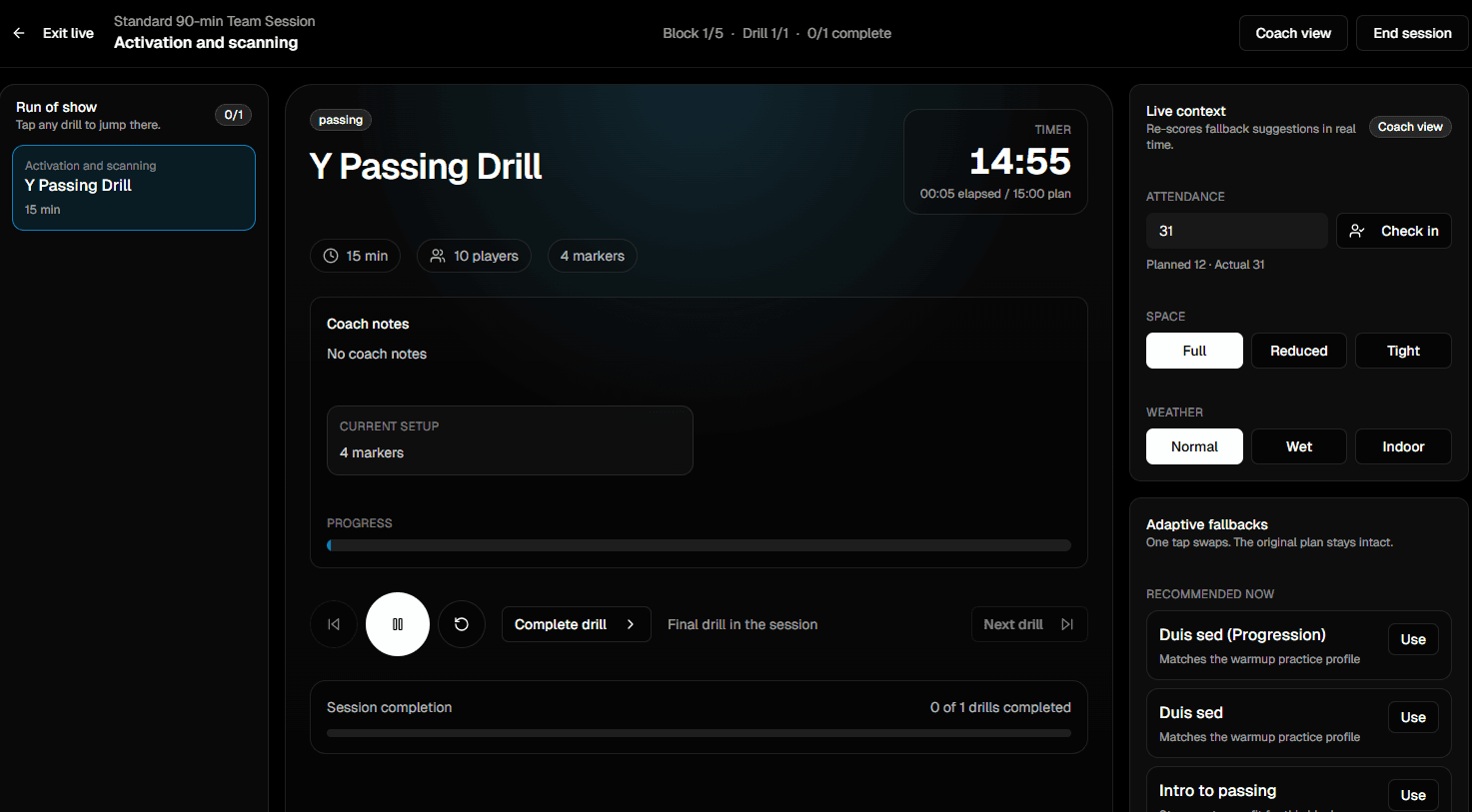
Live delivery
Block timer, coaching cues, one-tap transitions on the pitch.
What you actually save every week
Three outcomes that coaches tell us matter more than any single feature.
Hours, not minutes
Duplicate last week, swap two drills, adjust intensity, a 90-minute session plan turns into a 10-minute edit.
Staff on the same page
Head coach, assistants, and GK coach see one plan, not four printouts with three different versions.
A written history
Every session and every reflection is searchable, a living record of how the team actually trained this season.
Go deeper into the planner workflow
This page is the software overview. The feature and template pages show how the planner works in real coaching detail.
What coaches tell us after a few weeks in
“The first week I had a working plan by Tuesday night instead of Saturday morning. Live mode on the phone is the part I didn't know I needed.”
Session planner FAQs
The questions head coaches and analysts ask before moving their weekly plan into FC Tactix.
Can I import session plans I've already built in Word or Excel?
How do multiple coaches stay in sync on the same week?
Does Live Mode work without a stable pitch-side connection?
Can I print a session plan for staff who prefer paper?
Move your weekly plan out of Word
Open FC Tactix to try the session planner on this week's microcycle, or see the Pro plan for single-coach workflows.